
Imagine Unlocking AI Magic: Top Free AI Tools Every Beginner Should Try
Picture this: You’re a student, a curious self-learner, or someone new to tech, sitting at your desk, wondering how AI can help you create, learn, or solve problems. You don’t want to spend money on software you don’t understand yet. What if I told you the key to starting your AI journey is right under your fingertips with the top free AI tools every beginner should try? These tools offer a safe playground to explore without any risk. They turn mystery into mastery, helping you build skills while having fun.
In today’s fast-paced world, free AI tools for learning open doors. They’re designed to be beginner-friendly AI tools, perfect for anyone who wants to dip a toe into AI without feeling overwhelmed. Let’s dive into why these tools matter, which ones to try, and how you can make the most of them.
Why Beginners Should Explore Free AI Tools
Imagine Sarah, a college student with zero coding experience but a big dream to understand AI. She started with free AI software for newcomers. Within weeks, Sarah was creating simple chatbots and analyzing data with ease. Stories like hers show why beginners benefit from these accessible tools.
Free AI tools allow hands-on experience. Instead of just reading or watching videos, you learn by doing. This approach boosts your confidence and helps you grasp concepts faster. Moreover, using beginner-friendly AI tools encourages curiosity. You’ll experiment, make mistakes, and learn in a low-pressure environment. This is how practical growth happens.
Plus, these tools often come with supportive communities. You’re not alone. You can ask questions, share your work, and celebrate small wins. This social aspect keeps motivation high, especially when you’re just starting.
Top Free AI Tools Every Beginner Should Try
1. ChatGPT – Best Free AI Tool for Beginners in Conversation
ChatGPT is a chatbot that feels like talking to a smart human. It’s perfect for beginners who want to explore AI language models without coding.
Example: Ask ChatGPT to help draft an email or explain complex topics in simple terms.
Features:
- Easy conversational interface
- Helps with writing, brainstorming, and learning
- Available online with no installation needed
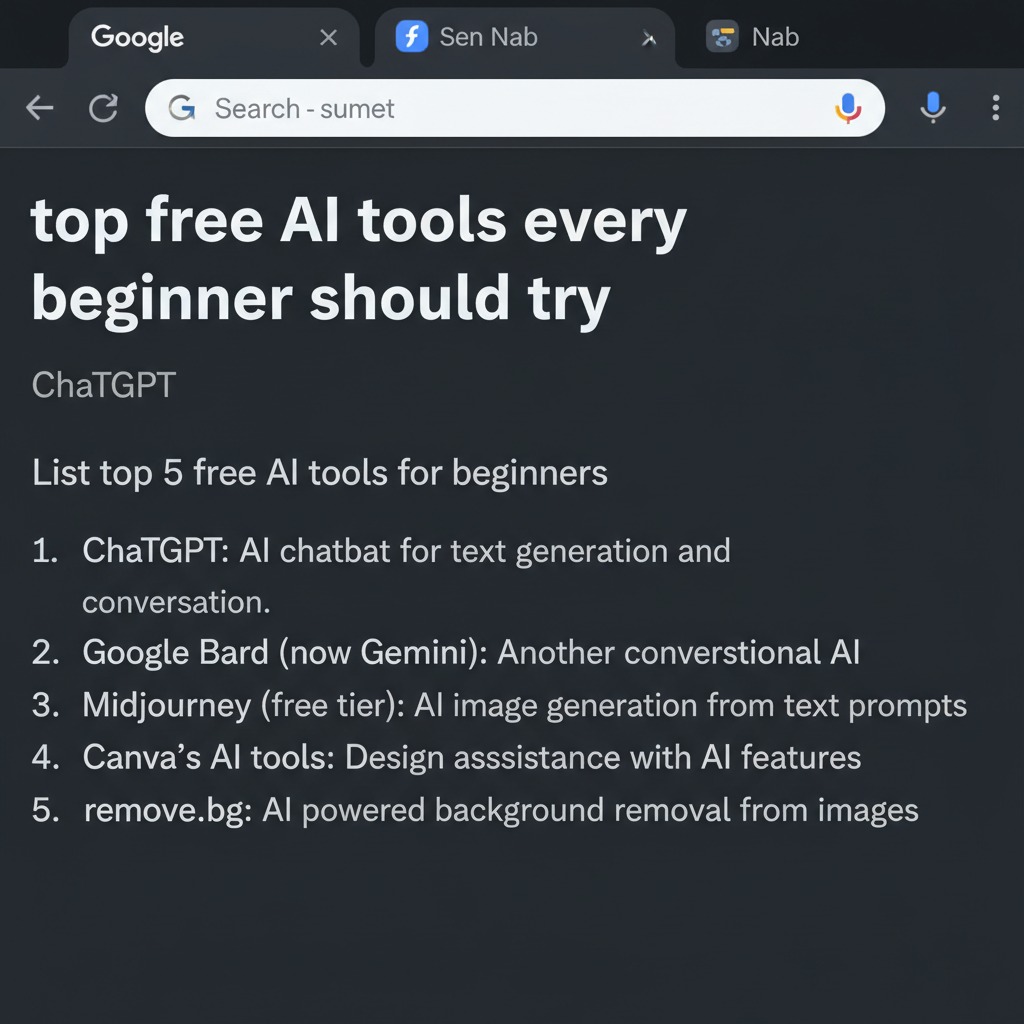
2. Canva’s AI Tools – Beginner-Friendly AI Tools for Design
Canva integrates AI to help create stunning visuals quickly. Perfect for students and creatives wanting to design graphics without prior experience.
Example: Use Canva’s AI text-to-image feature to make custom visuals for presentations.
Features:
- Drag-and-drop interface
- AI-powered design suggestions
- Templates for various projects
[Image Suggestion: Canva AI design interface | Alt attribute: “best free AI tools for beginners – Canva AI”]
3. Google Colab – Free AI Software for Newcomers to Coding
Google Colab lets you write and run Python code in your browser. It’s a beginner’s gateway into machine learning projects with no setup hassle.
Example: Follow step-by-step tutorials to build simple AI models.
Features:
- Free access to GPUs
- Collaborative notebooks
- Pre-installed AI libraries
[Image Suggestion: Google Colab notebook example | Alt attribute: “free AI tools for learning – Google Colab”]
4. Lumen5 – Top Free AI Tools Every Beginner Should Try for Video Creation
Lumen5 turns text into engaging videos using AI. Ideal for students and content creators wanting to make videos easily.
Example: Convert blog posts into shareable videos.
Features:
- Automated storyboard creation
- Stock images and video clips
- Simple editing tools
[Image Suggestion: Lumen5 video editing screen | Alt attribute: “beginner-friendly AI tools – Lumen5”]
5. IBM Watson Studio – Free AI Tools for Learning Data Science
IBM Watson Studio offers tools for data analysis and AI model building. It’s beginner-friendly with plenty of tutorials.
Example: Analyze datasets and create visual reports.
Features:
- Drag-and-drop model building
- Cloud-based environment
- Educational resources included
[Image Suggestion: IBM Watson Studio dashboard | Alt attribute: “free AI software for newcomers – IBM Watson Studio”]
6. Runway ML – Best Free AI Tools for Beginners in Creative AI
Runway ML helps create AI art and videos with user-friendly features.
Example: Generate AI art for projects or social media posts.
Features:
- Real-time AI effects
- Easy interface for creative projects
- Integration with creative software
[Image Suggestion: Runway ML AI art interface | Alt attribute: “top free AI tools every beginner should try – Runway ML”]
7. Microsoft Azure AI Studio – Beginner-Friendly AI Tools for Developers
Azure AI Studio provides free tiers for exploring AI services like language, vision, and decision-making.
Example: Build a simple chatbot or image recognition app.
Features:
- Wide range of AI services
- Step-by-step guides
- Scalable for learning and growth
[Image Suggestion: Microsoft Azure AI Studio portal | Alt attribute: “best free AI tools for beginners – Microsoft Azure AI Studio”]
8. Hugging Face – Free AI Tools for Learning NLP (Natural Language Processing)
Hugging Face offers an open platform for AI models, perfect for text-related projects.
Example: Use pre-trained models to analyze sentiment or summarize texts.
Features:
- Easy access to state-of-the-art AI models
- Beginner tutorials
- Community support
[Image Suggestion: Hugging Face model hub interface | Alt attribute: “free AI tools for learning – Hugging Face”]
Unique Learning Patterns to Master AI Tools
Step-by-Step Tutorials
Start with clear, guided instructions. For example, use Google Colab tutorials to build a text classifier. This helps you learn coding basics and AI concepts in small chunks.
Real-World Mini-Projects
Try creating a chatbot with ChatGPT or a video with Lumen5. Mini-projects connect theory and practice, making learning memorable.
Case Studies
Study how students use IBM Watson Studio to analyze climate data. Real stories show AI’s impact and inspire you.
Fun Exercises
Play with AI art in Runway ML or text prompts in Hugging Face. These exercises boost creativity and reduce learning pressure.
How to Maximize Free AI Tools as a Beginner
- Start Small: Pick one tool at a time. Avoid jumping into many tools simultaneously.
- Set Clear Goals: Define what you want to achieve, like creating a chatbot or making a video.
- Use Tutorials: Follow beginner-friendly guides to reduce confusion.
- Join Communities: Ask questions and share progress to stay motivated.
- Practice Regularly: Short, consistent practice beats occasional long sessions.
- Stay Curious: Explore features beyond your goals to discover new possibilities.
Benefits of Using Free AI Tools for Beginners
- Learn at your own pace without financial pressure
- Gain practical skills through hands-on experience
- Build confidence by experimenting safely
- Access supportive communities and resources
- Understand AI basics in an easy, approachable way
- Apply AI knowledge in real-life projects quickly
Common Mistakes and How to Avoid Them
- Trying Too Many Tools at Once: Focus on one tool to avoid overwhelm.
- Skipping Tutorials: Always start with step-by-step guides.
- Ignoring Community Help: Engage with users; it speeds learning.
- Expecting Instant Mastery: Patience is key; AI learning is a journey.
- Avoiding Practice: Without practice, concepts won’t stick.
- Fearing Mistakes: Errors are learning opportunities, not failures.
Frequently Asked Questions
Q1: Are these top free AI tools every beginner should try, really free?
Yes, most offer free tiers with enough features for beginners to explore and learn effectively.
Q2: Do I need programming skills to use these free AI tools for learning?
Not always. Many tools, such as ChatGPT and Canva, require no coding, while others, such as Google Colab, offer beginner-friendly tutorials.
Q3: How can I choose the best free AI tools for beginners?
Start with your goal in mind. Pick a tool that matches your interest, like writing, designing, or coding, and is beginner-friendly.
Q4: Can free AI software for newcomers help me get a job?
Absolutely. They build foundational skills and practical experience valued by employers.
Q5: How much time should I spend learning AI tools daily?
Short, consistent sessions (30 minutes to an hour) work best. This helps retain knowledge without burnout.
Q6: Are there communities where I can ask for help?
Yes! Most tools have forums, social media groups, or official support channels perfect for beginners.
Key Takeaways / Learning Highlights
- Top free AI tools every beginner should try open doors to practical AI skills.
- Hands-on experience beats passive learning every time.
- Focus on one tool, use tutorials, and engage with communities.
- Free AI software for newcomers builds confidence and knowledge.
- Mistakes are part of the journey—embrace them.
- Curiosity fuels growth; explore tools with an open mind.
Explore these tools today and start your AI adventure with confidence!
[Image Suggestion: Collage of multiple top free AI tools every beginner should try | Alt attribute: “top free AI tools every beginner should try collage”]